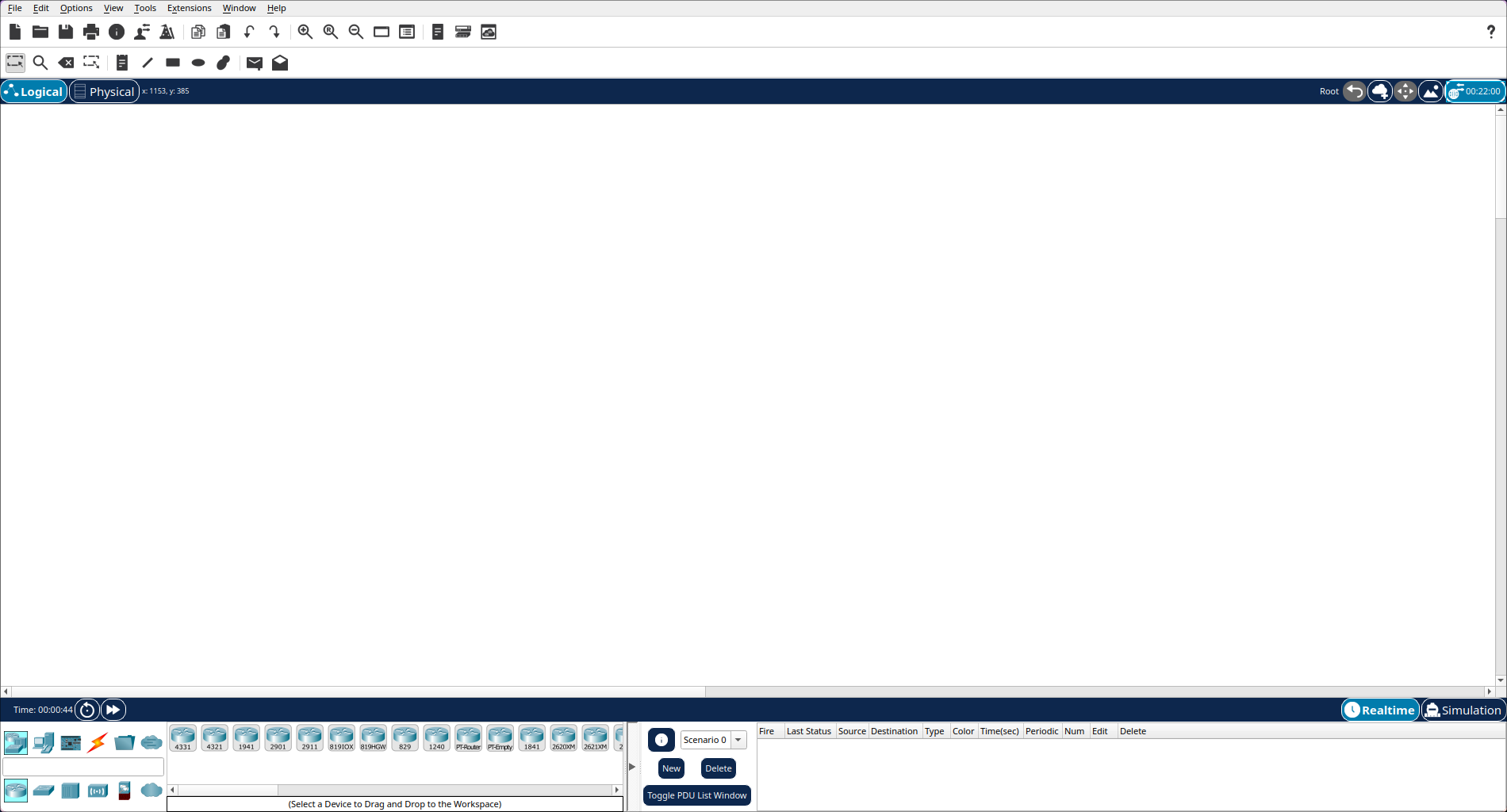
Install Packettracer in Archlinux
Mar 5, 2025
- Go to https://www.netacad.com/about-networking-academy/packet-tracer/ and create a account or login if you have an existing Network Academy Account.

- After login search for Cisco Packet Tracer in the search bar and click on learning collection one.
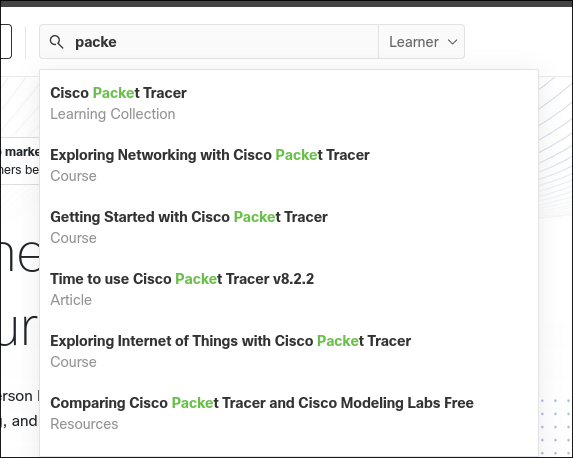
- Scroll down and click on Getting Started with Cisco Packet Tracer.

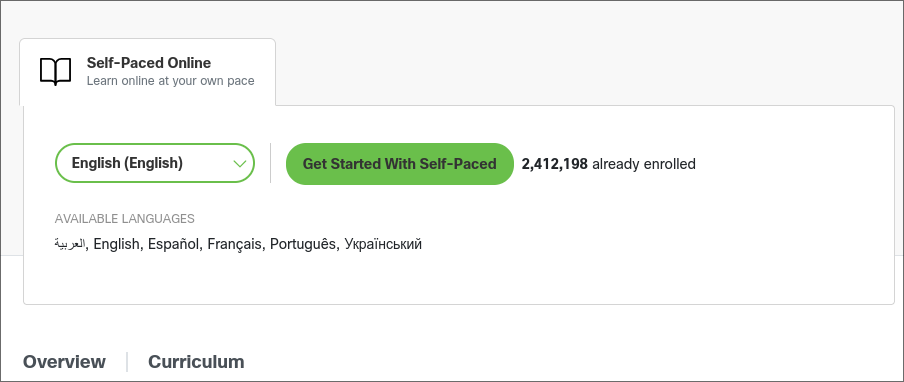
- Now click on Get Started With Self-Paced, new page will load.
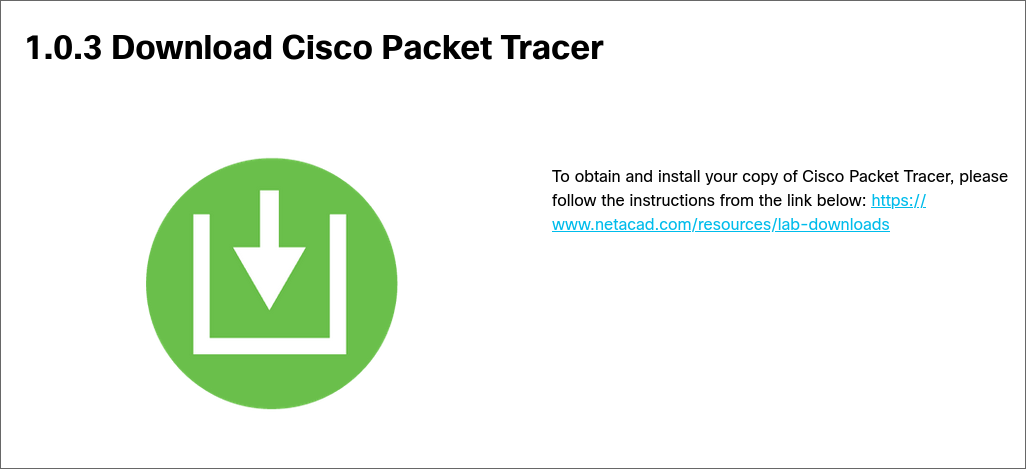
- Scroll down and click on the link to download
 ![[Pasted image 20250212210454.png]]
 - Scroll down and click on the link to download the ubuntu version.

- Then install packettracer from AUR(Arch User Repository) using any AUR helper, I use yay.
- It will give you error to put the download file in build directory. Now move to your download directory or where you downloaded the installer file and rename that file to
CiscoPacketTracer822_amd64_signed.deb.
- Now copy this file to the build directory of AUR package, which is located at
~/.cache/yay/packettracer.
- Now move to build directory and build the package.
- Now the Cisco Packet Tracer should be installed.
- Now open the app it will prompt you for login and then you can use it.